How to Hack from the Stationary Bike at the Gym
- Caden Rasey
- Tutorial
- February 24, 2026
Table of Contents
Introduction
I started HackTheBox about one year ago on my journey to build a career in offensive security. It started slow, just doing the lessons and structured coursework, but I recently got into doing boxes and HTB seasons - and it has become my new favorite hobby.
Sometimes, though, life gets in the way of hacking. You might find yourself both away from home and unable to pull out your laptop for some reason. The gym is a prime example of this; you can’t pull out a laptop on the treadmill or stationary bike, but you can certainly pull out your phone.
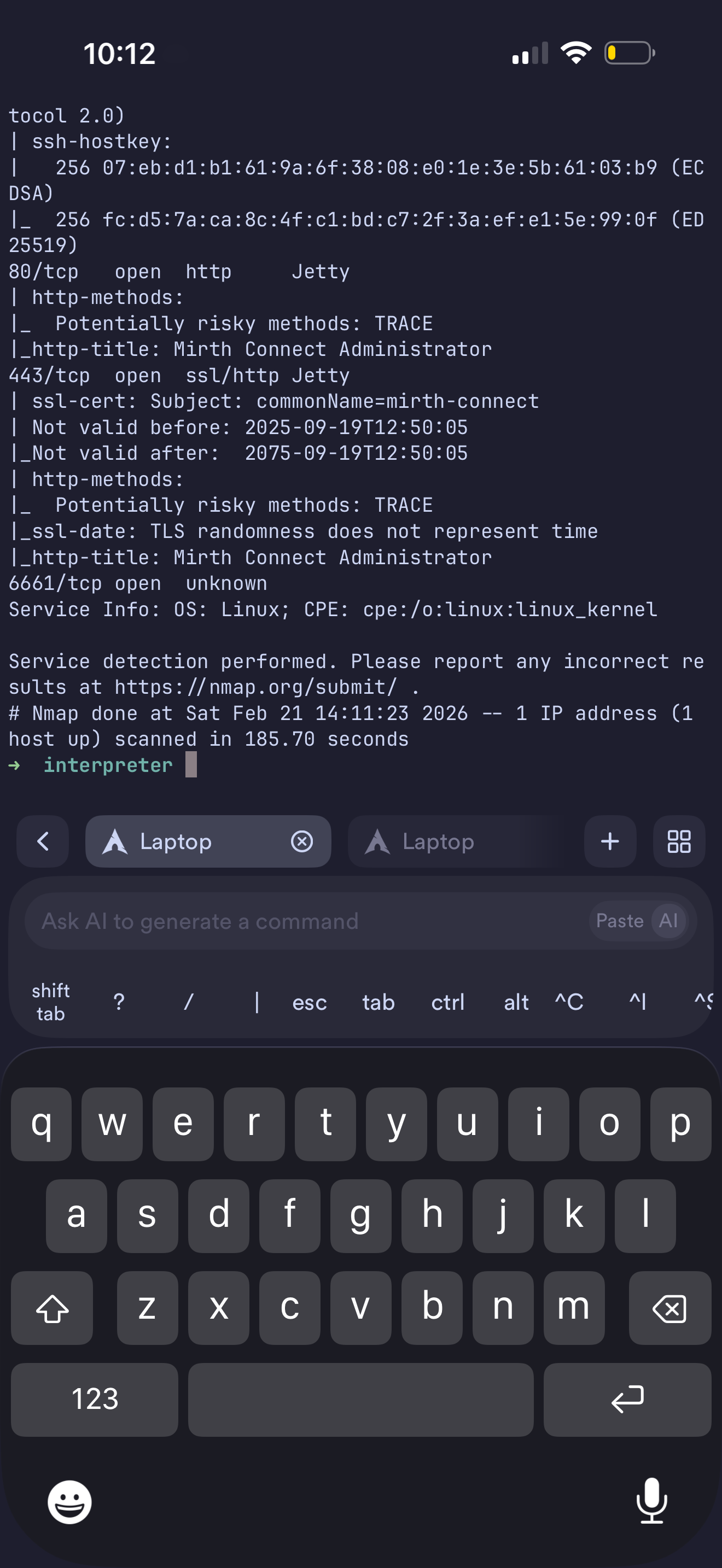
I used Tailscale, Termius, and SSH to be able to get a shell on my Kali Linux virtual machine from anywhere in the world to feed my addiction to HackTheBox.
Setting up Tailscale
First, you’ll need to set up a Tailscale network. Tailscale is a VPN service that allows you to connect your devices together into a central “tailnet” that acts almost like a Local Area Network (LAN). Devices on your tailnet can connect to each other anywhere in the world, but are not accessible to anyone outside of the tailnet. The standard way to do this is by creating a Tailscale account, and then connecting all your devices to that account with the Tailscale client. When connected to the Tailscale VPN, all of your devices can talk to each other via the special Tailscale subnet 100.64.0.0/10. It also allows you to use “Magic DNS” to connect to your devices with easy-to-remember names. I have mine set to machine-name.raseynet.local, but you can set it to be anything you want.
Since I already have a home server and I always prefer open-source and private projects over closed-source and proprietary ones, I set mine up with Headscale instead. This is the open-source and self-hosted control server implementation that allows you to have your own central server to connect to. This is completely optional and Tailscale has a strong track record for privacy and security that I would trust if I didn’t have a home server.
Setting up SSH
Server
Second, you need to be able to connect over the tailnet into your attacker machine. I run Arch Linux (btw) on my laptop, so setting up SSH was extremely easy for me. It’s as simple as running the command to enable and start the SSH server.
sudo systemctl enable --now sshd
Tangent about my laptop
If you’re looking for an expensive but top-tier laptop for hacking and home labbing, the Framework 16 is one of the best choices out there. The level of power you can potentially spec in one of these things is second to none, it has dedicated Linux support out of the box, and they are modular as well; as soon as anything in your laptop is outdated you can swap it out for the newest component in 30 minutes or less. I specced mine with 64 GB of RAM and the AMD Ryzen AI 9 HX 370 which is a 10-core 20-thread CPU. This makes it extremely easy to stand up and configure virtual machines, Docker containers, and anything else you may want to throw at it.
For security, you should restrict SSH access to the tailscale interface only. I did this with Uncomplicated Firewall (UFW).
sudo ufw allow in on tailscale0 to any port 22 proto tcp
sudo ufw status
...
22                         ALLOW       100.64.0.0/10
...
Windows users can use the built-in OpenSSH server, Microsoft’s docs cover the setup.
Phone Client
Finally, we get to the phone client. There are a good couple of these out there on the App Store and even more on the Google Play store, but I landed on Termius. It makes it easy to set up new hosts to connect to, has a dedicated system for storing credentials and SSH keys, macros, full copy and paste support, and, most importantly, built-in terminal themes like Nord, Catppuccin, and all the favorites.
To set this up you can:
- Create a new SSH key by going to Keychain > Generate Key
- Click on the key and share it via email to your SSH server host (or, my favorite, use LocalSend)
- Add the public key to
.ssh/authorized_keys
Virtual Machine
The last step is to set up another SSH server on your Kali Linux/Parrot OS Virtual Machine so that you can SSH into it from the host machine. If you haven’t done this before, here’s how:
Quick SSH Setup Between Two Linux Machines
On the server (the machine you want to connect to):
# Install OpenSSH server (Debian/Ubuntu/Kali/Parrot)
sudo apt install openssh-server

# Enable and start it
sudo systemctl enable --now ssh
On the client (the machine you’re connecting from):
# Generate an SSH key pair (hit Enter through the prompts for defaults)
ssh-keygen

# Copy your public key to the server
ssh-copy-id user@<server-ip>

# Connect
ssh user@<server-ip>
That’s three commands on each side. After ssh-copy-id runs once, future logins are passwordless.
Wrapping Up
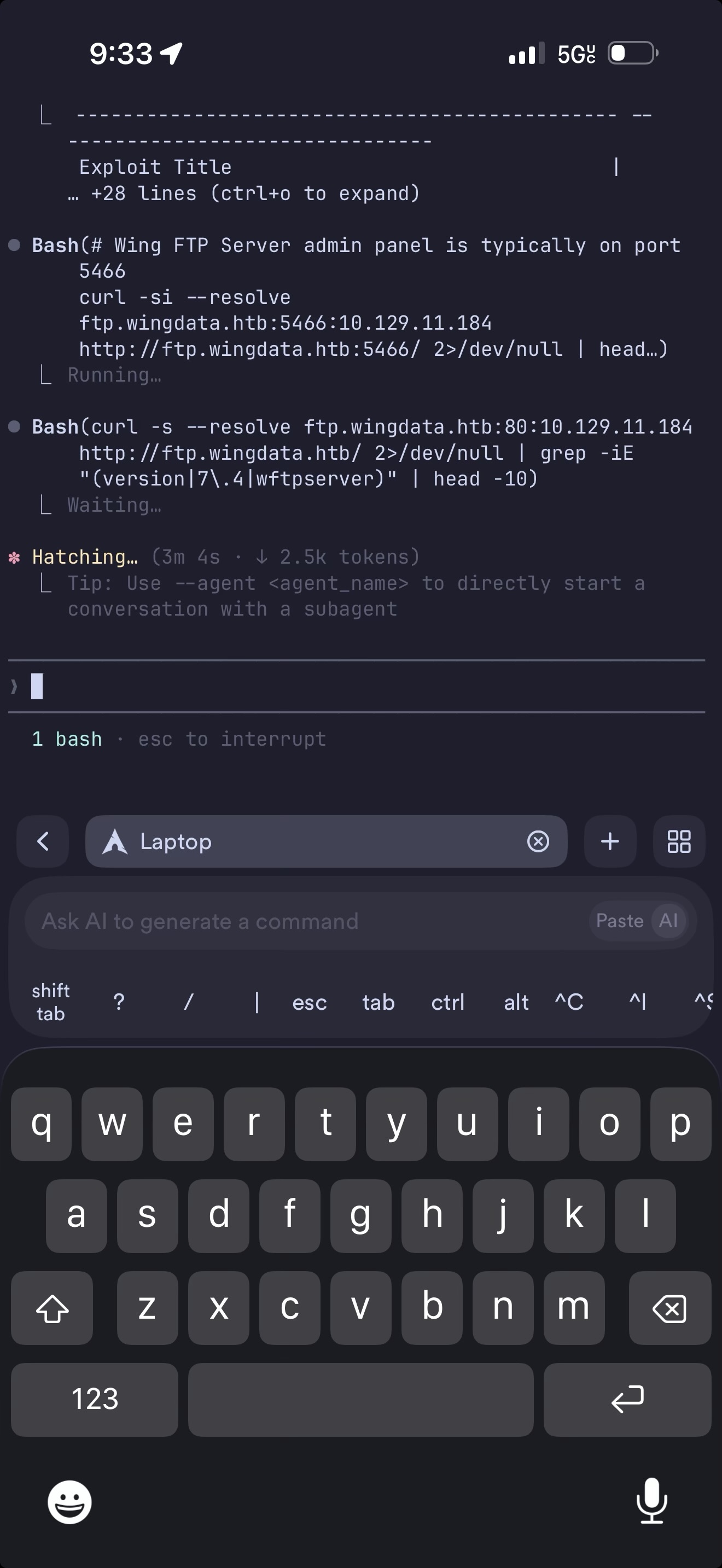
And that’s it! Now you can SSH into your computer and hack from your phone without opening an SSH port to the open internet. This setup works surprisingly well, and the experience of hacking from a phone is honestly not too much worse than a laptop. The big thing you lose is the ability to use GUI applications like Burp Suite or browsers, but this is full CLI access. If you need to do deeper dives, while on the go, AI coding tools like Claude Code can automate a lot of things so you don’t have to type and format large bits of text or manually enumerate a website.